Launch · August 2026
Test calls: your agent calls you first
Today we're introducing test calls from the script editor: type your phone number, press one button, and your AI voice agent calls you, running the exact script you have open on screen. You talk to it the way a borrower would, on a real phone line, and the conversation streams back to your screen while you're still on the call.

Vitālijs Silins-Ozerson LinkedIn
CTO & co-founder · 10 August 2026
Why it matters
The call your borrowers get is the call you should be judging. Browser testing checks the script's logic. The phone is where you find out how the greeting actually lands: the pause before the identity check, the pacing of an amount being read out, what happens when you talk over it. Those are the questions an operations lead gets asked, and a test call answers them before launch, with you on the line instead of a borrower.
It reads well for a compliance review, too. Hearing the disclosure order yourself, on the same kind of line a borrower answers, is a faster check than reconstructing it from the script's diagram, and the saved transcript gives you something concrete to file or share.
How it works
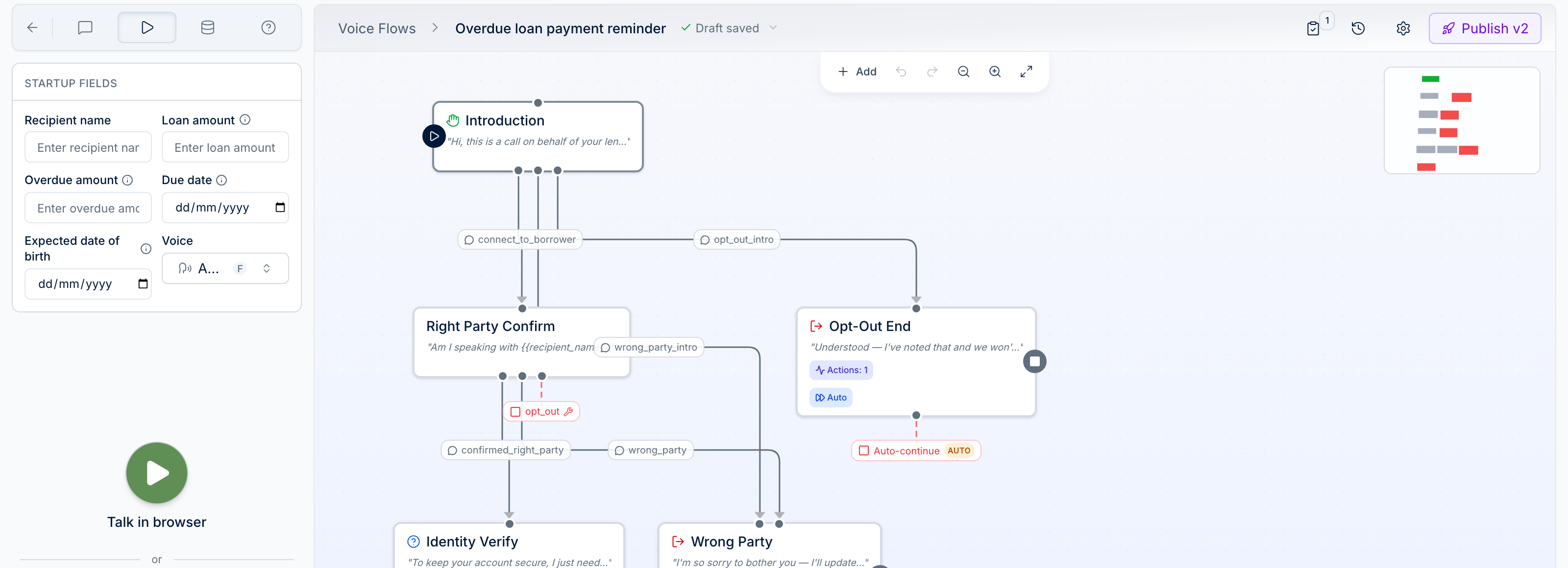
The agent dials with the version of the script you're editing — nothing goes live, and there is no campaign to set up. If the script needs details to run, such as the borrower's name or a due date, you're asked for them before dialing, so the call that reaches you always has a working script behind it.
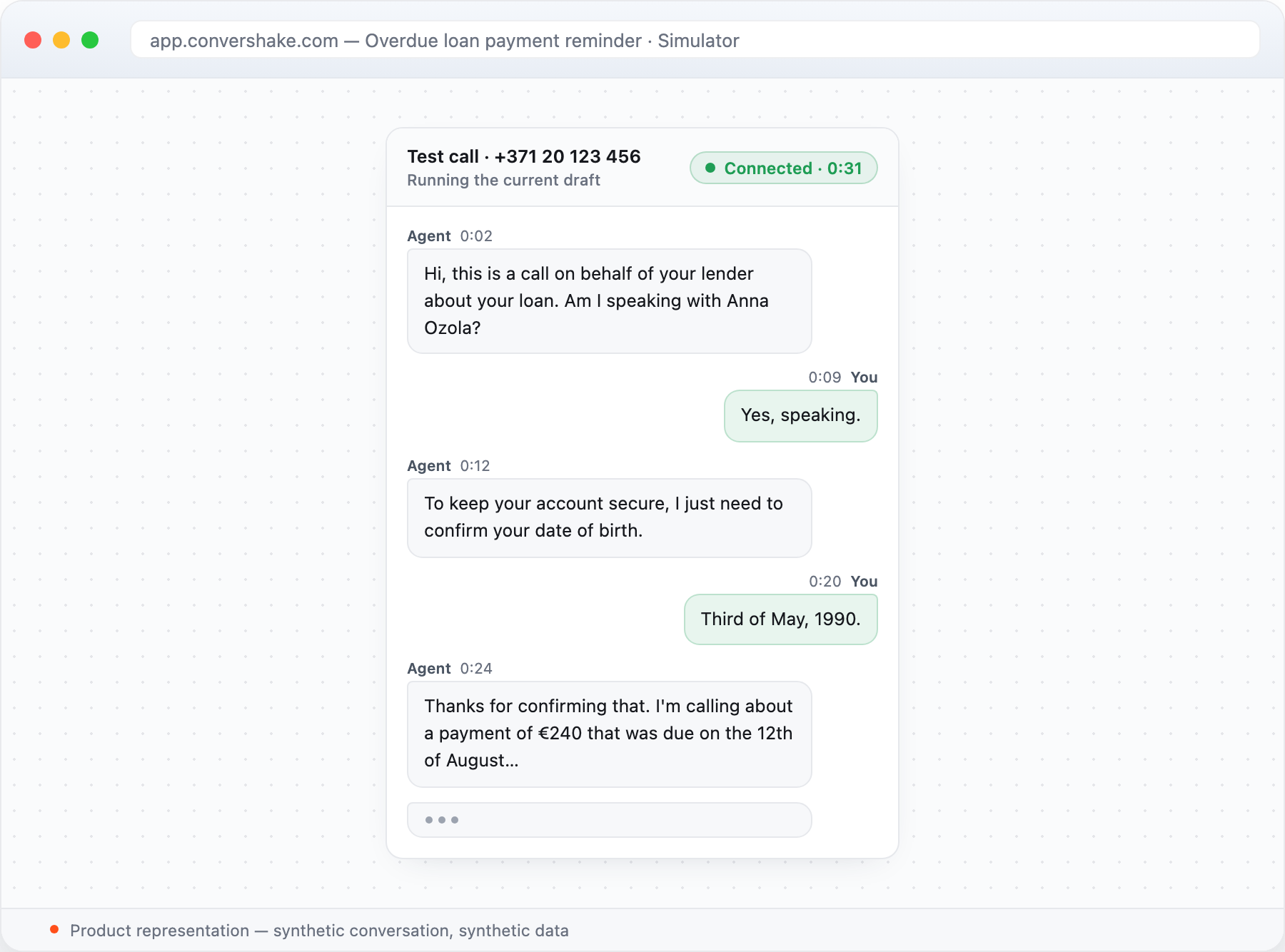
The call goes out over your own phone carrier connection, your SIP trunk. That means your carrier keeps the final say on destinations: if it declines a number, Convershake names the cause plainly and points you to the right setting instead of leaving you guessing. While the call is live, the panel shows each step: dialing, ringing, connected. When you answer and the first words are spoken, a live transcript takes over, every line stamped with its offset from the start of the call, the same clock a recording uses. Hanging up is a normal end to a test, and one click afterwards opens the full call record.
What it looks like in practice
Say you're tightening an overdue-payment script. You reword the opening, press the button, and answer your phone. The agent greets you, confirms it has the right person, runs the identity check, and starts on the payment, while the transcript writes itself on your screen. You interrupt it mid-sentence, the way real borrowers do, and listen to what comes back. Hang up, adjust one line, call again. The loop is quick enough to live inside a single editing session, and every pass is kept in Call history, so you can compare this week's opening against last week's instead of arguing from memory.
The phone field stays out of your way. It formats as you type, recognises the country when you paste a full number, and starts on the market you serve. It also remembers the number you dialed last, because testing a script usually means calling yourself more than once.
The same loop travels. When you're preparing a script for a new market, dial your own number and hear that market's script end to end before a single borrower does; a colleague who manages call scripts can do the same from their own phone, so the person who knows the market best is the one listening.
Test calls stay out of your numbers
Every test call is marked with a Test badge in Call history and excluded from your reports by default. The call list, the metrics above it, and the CSV export describe production until you choose otherwise; flip the filter to see test calls alongside production calls, or on their own. Your numbers keep describing production, not practice.
Getting started
Test calls are live today for every Convershake customer with a phone carrier connected (a SIP trunk), for the people on your team who manage call scripts. There is nothing to enable. Test calls can reach numbers in 33 countries: the US, Canada, the UK, and the whole EEA.
- Open a call script and switch to the Simulator tab — test calls live there.
- Fill in the details the call needs.
- Type your phone number and press Call me.
- Answer, and talk to the agent the way a borrower would.
- Hang up, then review the call: live in the panel, or later under its Test badge in Call history.
Your agent speaks to your borrowers every day. Now it introduces itself to you first.
Hear it on your own scripts
Live for every workspace with a connected phone carrier.